
Skip to content

AI thumbnail studio for YouTube

AI YouTube Thumbnails That Get Clicked.

Turn your ideas, photos and references into professional YouTube thumbnails with AI.

Model
Standard
Format
16:9 · up to 4K
Failed images
Credits returned
Interface
UA · EN · RU
Interface preview. On the right: real thumbnails of the Гришин Трафик and Iman Gadzhi channels from the 4thumb reference library; they belong to their creators.

Style range

One studio for every kind of channel

Business, tech, gaming, education, documentary, reactions or vlogs: pick a style and the prompt builder adapts composition, lighting and typography to the genre.

Thumbnail of “Eat Everything In A Grocery Store, Win $1,000,000” by MrBeast
01ChallengesMrBeast
Thumbnail of “50 Ways To Use Chocolate” by Nick DiGiovanni
02Food & cookingNick DiGiovanni
Thumbnail of “MISCHIEF MIKEY Falls In Love With YouTuber | Dhar Mann Studios” by Dhar Mann
03StoriesDhar Mann
Thumbnail of “Trees Are So Weird” by Kurzgesagt
04ScienceKurzgesagt
Thumbnail of “I Took the Longest Train Ride in America” by Ryan Trahan
05TravelRyan Trahan
Thumbnail of “$2000 Gaming PC - Classic LTT Build Guide (2026)” by Linus Tech Tips
06TechLinus Tech Tips
Thumbnail of “Success Is Hard Until You Build Systems Like This” by Ali Abdaal
07ProductivityAli Abdaal

These thumbnails come from the 4thumb reference library — they are YouTube creators’ own work and belong to them. Click one to open the style breakdown and make yours in a similar style.

01/How generation works

From a few lines of input to a finished 16:9 image

4thumb turns what you know about your video into a precise instruction for an image model — and keeps every result in your project.

  1. 01

    Your input

    Video title, the idea and the words you want on the thumbnail — plus optional photos of you and reference thumbnails.

  2. 02

    Prompt builder

    Your input is combined with the selected mode and style into a detailed instruction. Templates are versioned, so every result can be traced back to its exact prompt.

  3. 03

    Image model

    The request goes to the AI model you pick (Standard by default) through our provider, reAPI. Each image is a separate request, so one failure never sinks the whole batch.

  4. 04

    Project versions

    Every image lands in your project as a numbered version you can compare, star, edit and export.

What happens to your credits

Standard model: 10 credits per image

  1. Reserved at start

    When you press Generate, the estimated credits are set aside so they can’t be spent twice.

  2. Charged on delivery

    Credits are charged only for images that were actually delivered to your project.

  3. Returned on failure

    If an image fails, times out or is cancelled before it starts, its credits go back to your balance automatically.

02/Workflow

Create in a few steps

No design skills needed — and every step gives you control when you want it.

  1. 1

    Describe the video

    Title, idea and the words that should appear on the thumbnail.

    Prompts in UA · EN · RU

  2. 2

    Add photos or references

    Optional: your identity profile, thumbnails you like, or the thumbnail you want to redesign.

    JPG · PNG · WebP

  3. 3

    Pick style and quality

    Style, model, resolution and number of images. The exact credit cost is shown before you start.

    1K · 2K · 4K

  4. 4

    Generate and refine

    Compare variations and fix details with an AI edit.

    Every version is kept

  5. 5

    Export

    Download PNG, JPG or WebP at the original size, 1280×720 or 2560×1440.

    Ready for YouTube Studio

03/Your inputs

Bring your face and your references

Many strong thumbnails feature the creator and follow a visual language the audience already knows. 4thumb handles both — with clear rules.

Your own face, with consent

Create an identity profile from a few clear photos. 4thumb passes them to the model as references, so the person on the thumbnail looks like you.

  • Up to 4 photos of you can be used in one generation
  • Likeness is kept as closely as the model allows — always check the result, it can differ
  • Consent is required for every face upload; delete the profile and its photos at any time

Start from a reference

Upload a thumbnail you like and choose what to borrow: composition, colors, lighting, style or background. 4thumb creates a new image — it doesn’t copy the original.

  • Combine several references in one generation
  • Upload only images you have the right to use — logos and characters belong to their owners
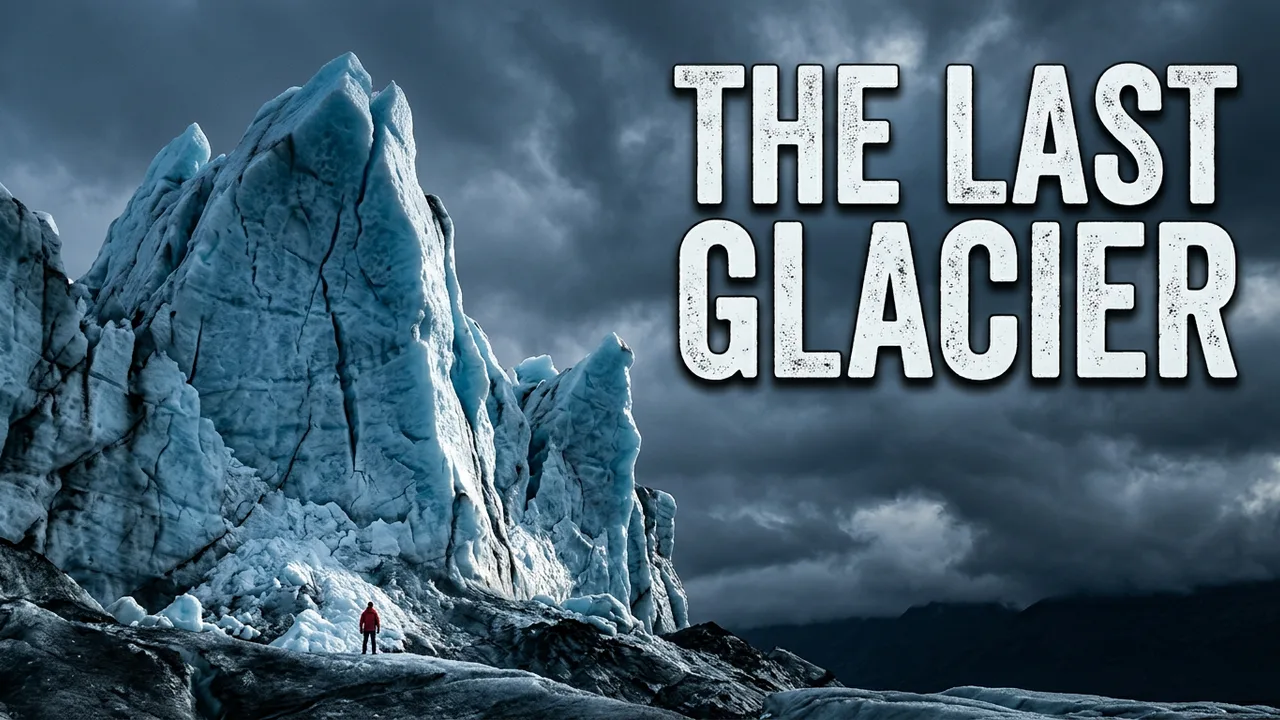
Reference: The last Glacier
Reference
New image: A week offline
New image
CompositionColorsLightingStyleBackground

04/AI editing

Change the details with plain words

Describe the change and get a new version — the rest of the image stays as it was. No masks, no layers.

v1 · source: New chip Tested
v1 · source

Instruction

  • Make the headline yellow and add a red arrow pointing at the chip
  • Replace the background with a dark city at night
  • Move the text to the right side
  • Make the lighting warmer
  • Remove the small logo in the corner
  • Change the second line to “4K TEST”
v2 · after the edit: Make the headline yellow and add a red arrow pointing at the chip
v2 · after the edit

Each edit creates a new version and costs 10 credits on the Standard model. The previous version is never overwritten.

05/Variations

Compare options side by side

Generate up to 4 images at once, depending on your plan, or ask for variations of the one you like best.

  • Star favorites and set the project cover
  • Add notes to versions so you remember what you tried
  • Every version keeps a link to the one it came from
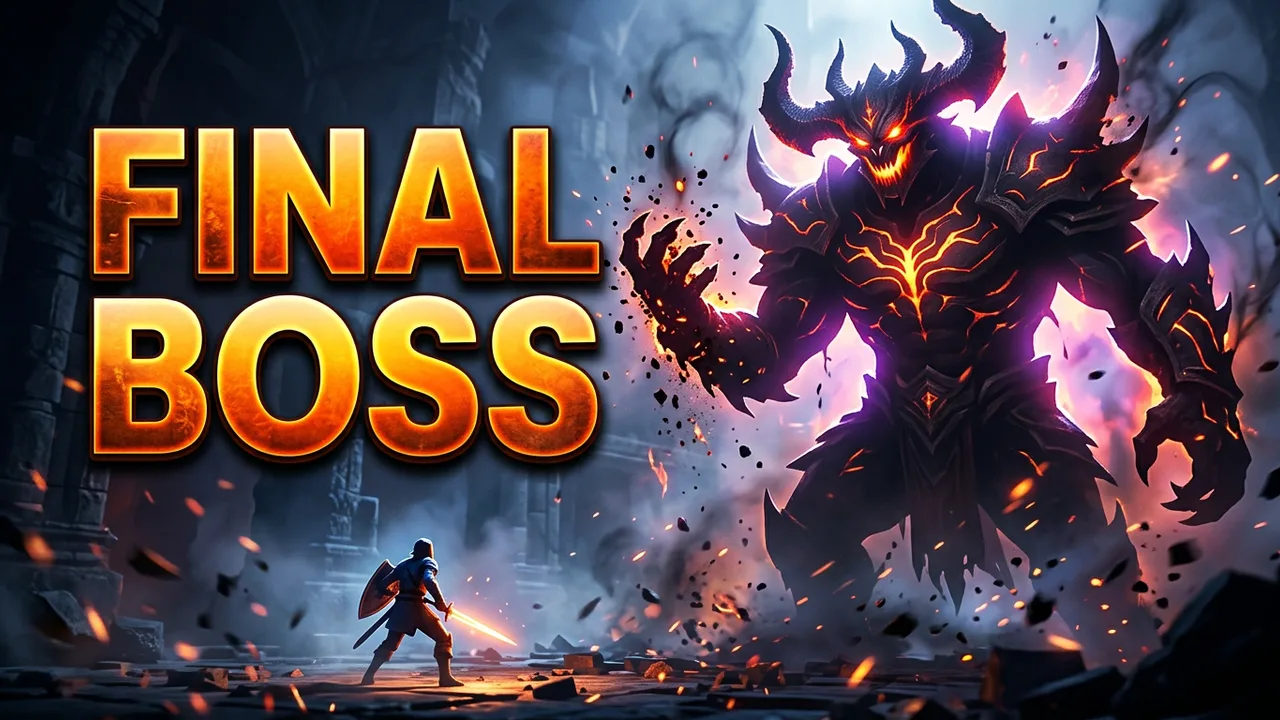
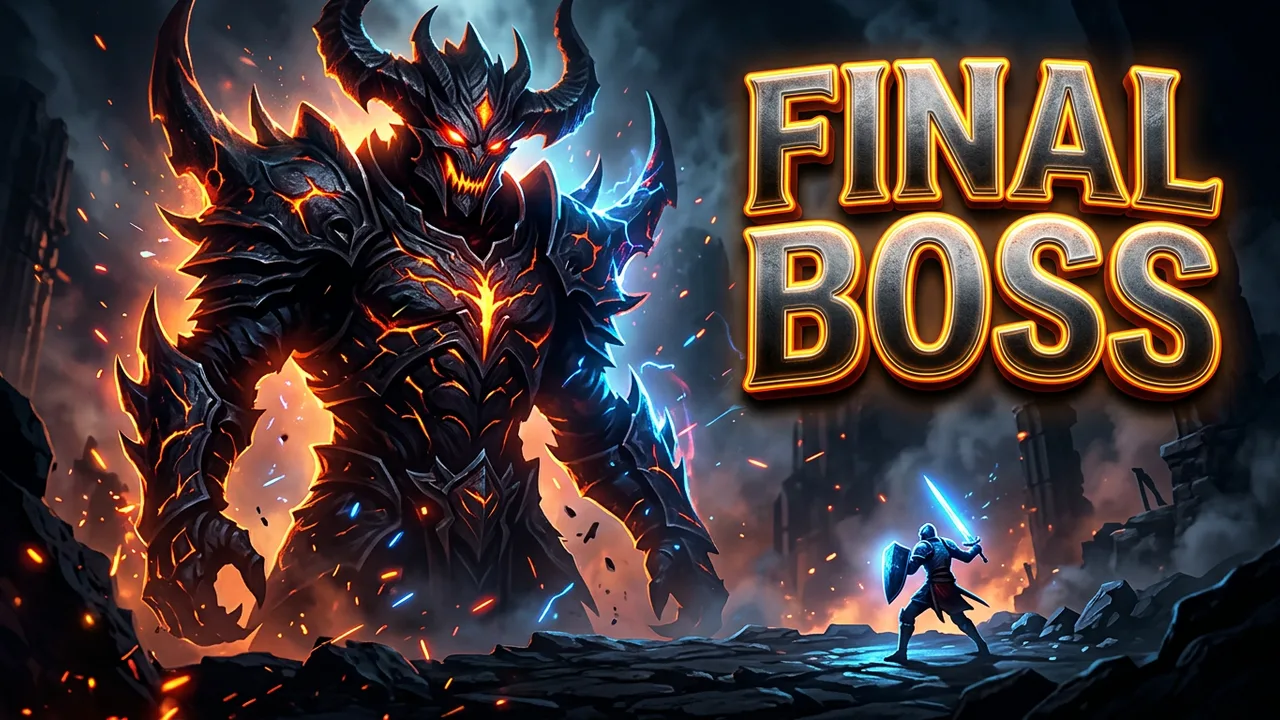
v1: Final Boss
v1
v2: Final Boss
Favorite
v2comparing
v3: Final Boss
v3
v4: Final Boss
v4comparing

06/Redesign

Upgrade the thumbnail you already have

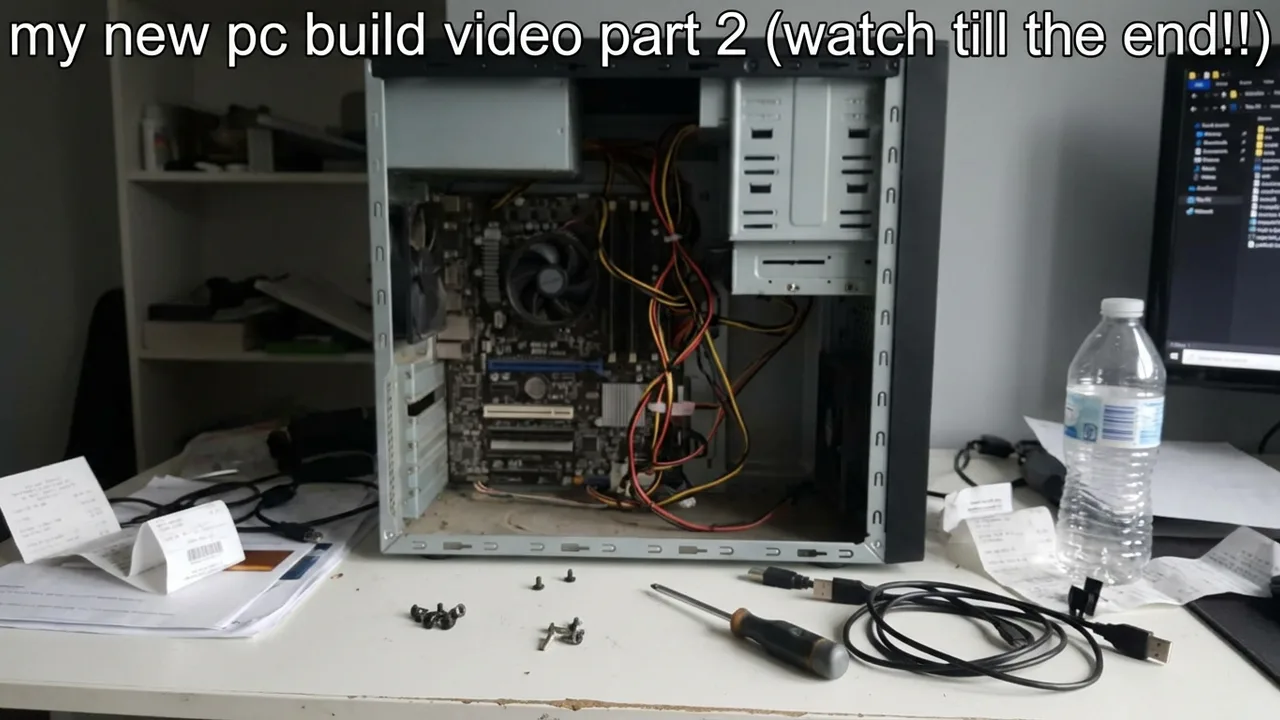
Upload a current thumbnail and 4thumb rebuilds it with a clear focal point, readable text and stronger contrast — keeping the topic of the video.

After: New chip Tested
Before: my new pc build video part 2 (watch till the end!!)
BeforeAfter
  • Readable on a phone

    Fewer, bigger words that survive the small sizes in search results and suggestions.

  • One focal point

    A single dominant subject instead of many small elements competing for attention.

  • Safe areas respected

    Nothing important in the bottom-right corner, where YouTube shows the video length.

Redesign only thumbnails you own or have the right to modify.

07/Pricing

Simple plans, credits you can count

Every paid plan includes monthly credits. Each image costs a fixed number of credits, and the total is shown before you generate.

Billing period

Free

Try 4thumb with free credits.

$0

No payment needed

Start free

30 credits on sign-up

≈ 3 thumbnails on the Standard model at 1K

  • Free credits on sign-up
  • 1K output
  • Editor and exports
  • Up to 2 images per generation

Starter

For creators publishing every week.

$15/ month

Billed monthly · cancel anytime

Choose Starter

1,200 credits every month

≈ 120 thumbnails on the Standard model at 1K

  • Up to 2K output
  • Nano Banana Pro
  • 2 generations in parallel
  • Up to 4 images per generation

Pro

For channels and editors shipping daily.

$39/ month

Billed monthly · cancel anytime

Choose Pro

3,600 credits every month

≈ 360 thumbnails on the Standard model at 1K

  • Up to 4K output
  • 4 generations in parallel
  • Priority support
  • Up to 4 images per generation

Business

Lowest price per credit

For agencies and teams producing at volume.

$99/ month

Billed monthly · cancel anytime

Choose Business

10,000 credits every month

≈ 1,000 thumbnails on the Standard model at 1K

  • Up to 4K output
  • 8 generations in parallel
  • Priority support
  • Up to 4 images per generation
Compare plans, credit packs and model prices

08/FAQ

Questions, answered

Credits, refunds, face photos, rights and payments — the short version.

All questions
What is 4thumb?

4thumb is an AI studio for YouTube thumbnails. You describe a video, optionally add photos of yourself or reference thumbnails, and get several 16:9 images to compare. You can fix details with an AI edit or in the built-in editor, keep every version in a project and export PNG, JPG or WebP.

How do credits work?

Every generated image costs a fixed number of credits that depends on the model, the resolution and the mode, and the generator shows the exact total before you start. Paid plans include credits every month, and you can also buy one-time credit packs. New accounts get free credits to try the service.

What happens to my credits if a generation fails?

Credits are reserved when a generation starts and charged only for images that are delivered. If an image fails, times out, is blocked by the AI provider’s safety filter or is cancelled while it is still in the queue, its credits return to your balance automatically — you don’t need to contact support.

Do credits expire?

Subscription credits are granted every month and are valid until the end of that billing month — unused subscription credits don’t carry over. Credits from one-time packs don’t expire, and the validity of sign-up credits is shown on the pricing page. When you have credits from several sources, the ones that expire first are used first.

How long does a generation take?

Usually from a few seconds to about two minutes per image, depending on the model and the resolution. Generations run in the background, so you can close the tab — you’ll get a notification, and an email if you enabled it, when they finish.

Which resolutions are available? Is the 4K real?

Images are generated at 1K, 2K or 4K, depending on the model and your plan, always in 16:9. You can export the original size, 1280×720 or 2560×1440. If you export at a size larger than the generated image, 4thumb upscales it and labels the file as upscaled: upscaling makes the file bigger but doesn’t add real detail. For YouTube, 1280×720 is enough.

Make your next thumbnail in minutes

Sign up and start with free credits. No card needed to try.